
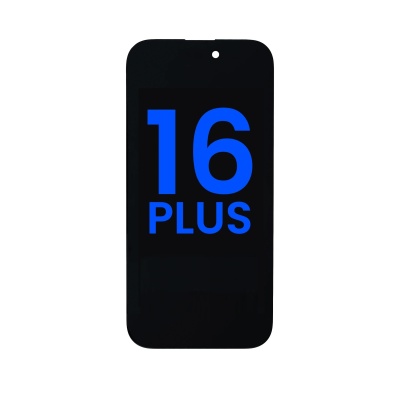
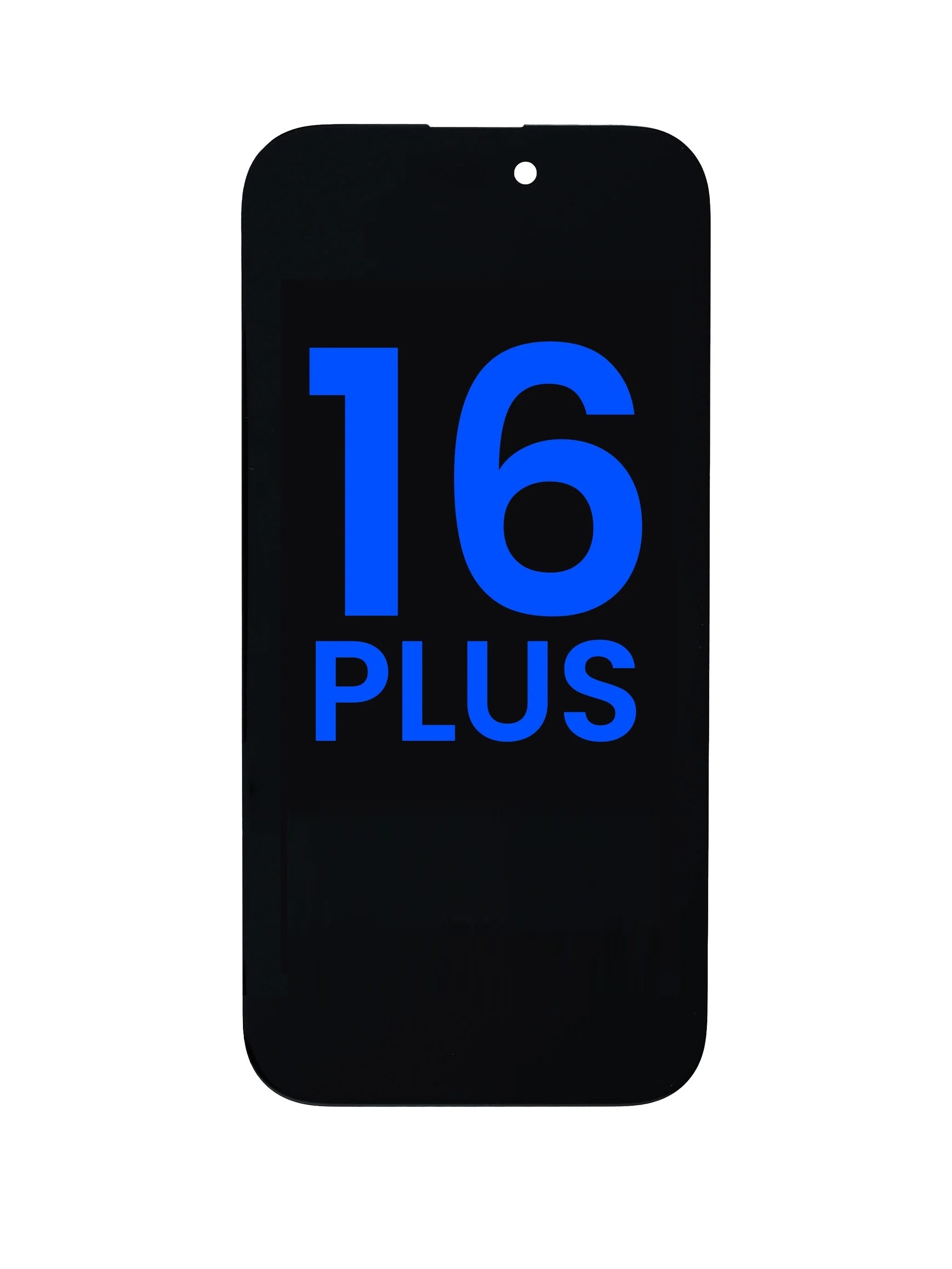

Description
Screen Diagnostic Testing Instructions
1. iPhone 14 and Earlier
The original sensor flex cable must be included and connected during diagnostic testing.
After completing the diagnostics, no warning pop-ups should appear, and the screen status must display "Used".
2. iPhone 15 and Later
Please follow the testing sequence below carefully:
Keep the original sensor flex cable separate. Do NOT attach it to the replacement screen before testing.
Connect only the replacement screen and run the diagnostic test first.
Once the diagnostics are completed, attach the original sensor flex cable.
The screen status should then display "Used", with no warning pop-ups.
Important Notice:
For iPhone 15 and later models, attaching the original sensor flex cable before running the diagnostic test may cause the test to fail or the replacement screen to be identified as "Unknown Part".
Please strictly follow the correct testing sequence to prevent diagnostic errors and ensure the replacement screen is properly recognized.
Specifications
| Item number | LCD-1010769 |
| EAN number | 1000010107699 |
| Brand | Apple |
| Series | iPhone |
| Model | iPhone 16 Plus |
| Quality | Soft Oled |
| Interne code | AS |
| Spare | LCD |